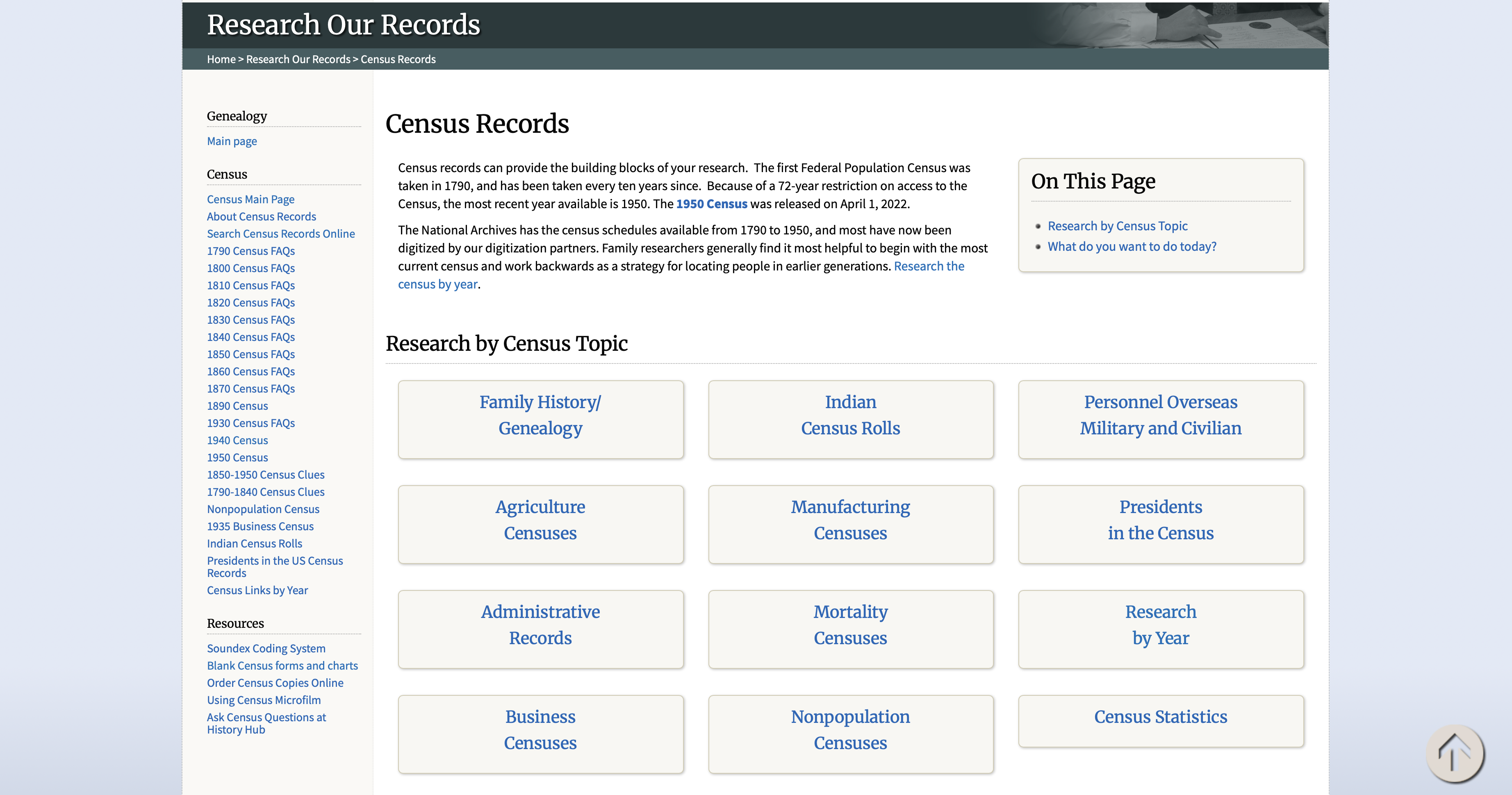
How to Use Find a Grave to Locate Burial Information
Grave listings can confirm dates and even connect you to living relatives. Here’s how I found my great-grandfather’s grave using Find a Grave.
Step-by-step:
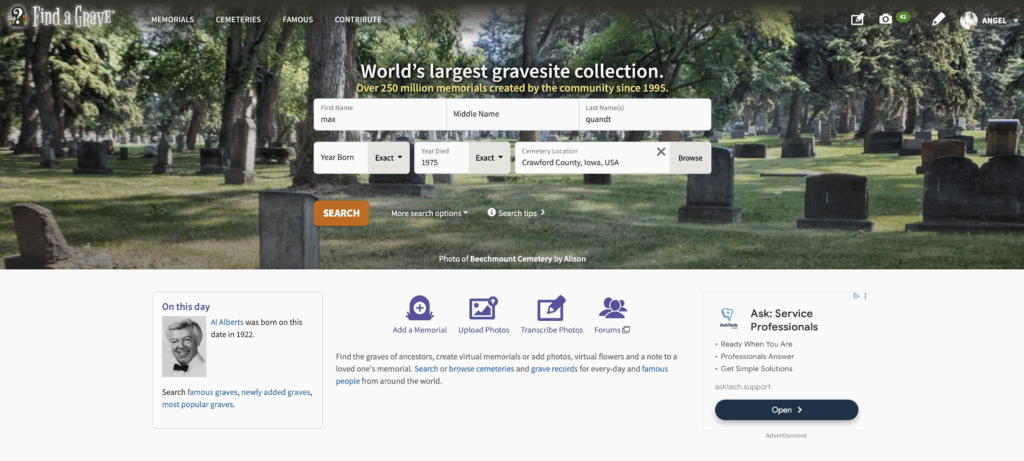
- Go to Find a Grave.com Search.
- Enter the name, birth year, and death year.
- Narrow results by state or county.
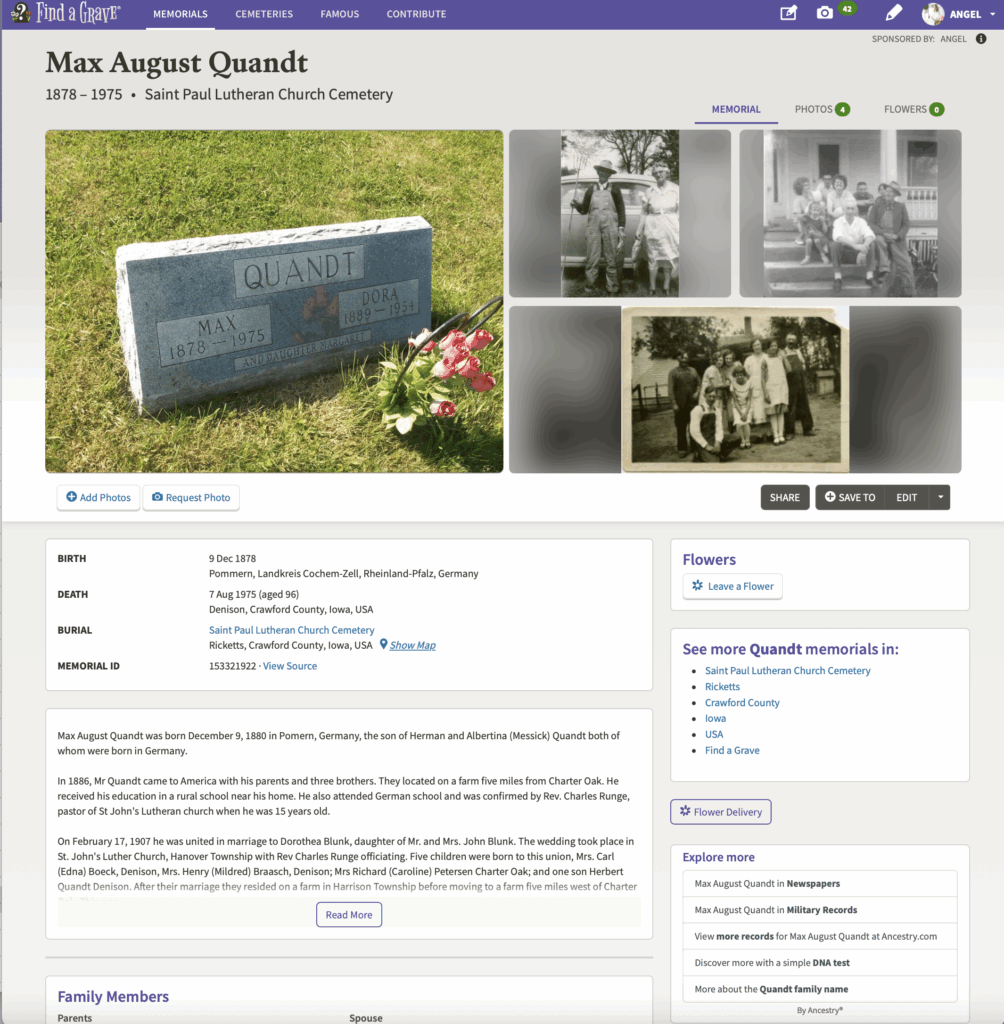
- Review photos, transcriptions, and linked family members.
- Use the “Request a Photo” feature if no image is available.
Tip: Check linked memorials for additional family members buried nearby.
Instructions with Images
To find a grave by name enter the name, birth year, and death year. Narrow results by state or county.
Review photos, transcriptions, and linked family members. Use the “Request a Photo” feature if no image is available. Max’s gravesite Find A Grave listing has been sponsored so it looks a bit different than non-sponsored pages.
Related Post: Finding Your First Genealogy Records