How to Search for an Obituary on GenealogyBank
Obituaries can reveal entire family networks. Here’s how I found my great-grandfather’s obituary using GenealogyBank.
Step-by-step:
- Go to GenealogyBank Obituaries and create an account.
- Enter the name and approximate death date.
- Filter results by location.
- Read the obituary for relatives’ names, occupations, and funeral details.
- Save or clip the article for your files.
Tip: Use names of survivors to search for more recent records.
Instructions with Images
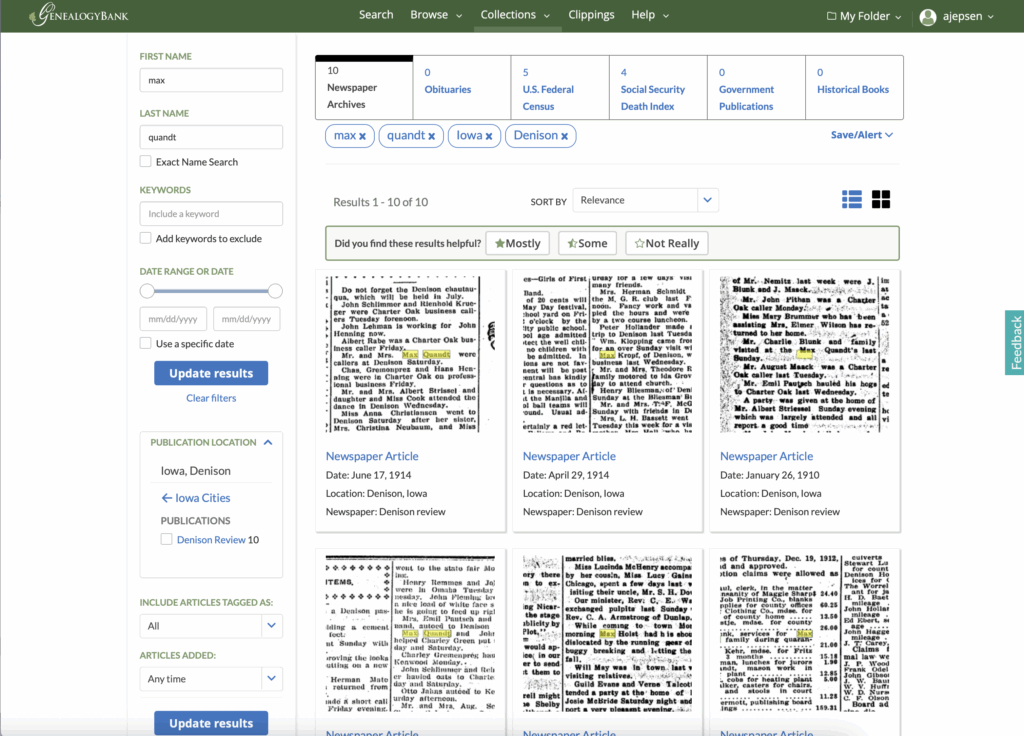
Go to GenealogyBank Obituaries. Enter the name and approximate death date. Filter results by location.
Read the obituary for relatives’ names, occupations, and funeral details.
Save or clip the article for your files.
Related Post: Finding Your First Genealogy Records