How to Create & Update Profiles on WikiTree (Without Losing the Best Resources)
If you’ve spent any time working on WikiTree, you’ve probably had this experience:
You find the perfect help article…
It answers everything…
…and then it disappears the next time you need it.
This guide is your central hub for creating and updating WikiTree profiles—so you always know where to go.
Start Here: Basic Editing & Formatting
👉 https://www.wikitree.com/wiki/Help:Editing_Tips
This page teaches you how to:
- Format text (italics, bold, headings)
- Create lists and tables
- Add spacing and structure
- Use advanced styling tools
Why this matters:
Clean formatting makes your profile easier to read—and easier for others to trust and collaborate on.
Build the Biography (Structure Comes First)
👉 https://www.wikitree.com/wiki/Help:Biographies
This guide explains:
- What belongs in a biography
- Required vs optional sections
- The correct order of sections
- How to edit profiles written by others
Standard Biography Layout
Writing
== Biography ==
=== Early Life ===
=== Family ===
=== Occupation ===
=== Death & Legacy ===
=== Timeline ===
== Research Notes ==
=== Disputed Origins ===
== Sources ==
== Acknowledgements ==
The Actual Recommended Profile Order
This is one of the easiest things to forget—and one of the most helpful to get right.
Writing
[[Categories]]
{{Easily Confused}}
{{Research Note Boxes}}
{{Project Boxes}}
{{Succession}}
== Biography ==
{{Notability}}
{{Profile Stickers}}
== Research Notes ==
== Sources ==
See also:
== Acknowledgements ==
✅ Required sections for every profile:
- Biography
- Sources
<references />
Everything else depends on the profile.
Sources: Where Your Research Becomes Credible
1. How to Add Sources
👉 https://www.wikitree.com/wiki/Help:Sources
Covers:
- Listing sources at the bottom
- Using inline citations (footnotes)
- Writing full citations
Key tip:
Reuse sources instead of repeating them—WikiTree supports this and keeps profiles clean.
2. Source Rules & FAQs
👉 https://www.wikitree.com/wiki/Help:Sources_FAQ
Use this when you’re unsure about:
- What qualifies as a source
- Whether sources are required (they are)
- How to handle weak or conflicting sources
3. Source Style Guide
👉 https://www.wikitree.com/wiki/Help:Sources_Style_Guide
Helps you:
- Format citations consistently
- Understand sources vs references
- Follow genealogy standards like Evidence Explained
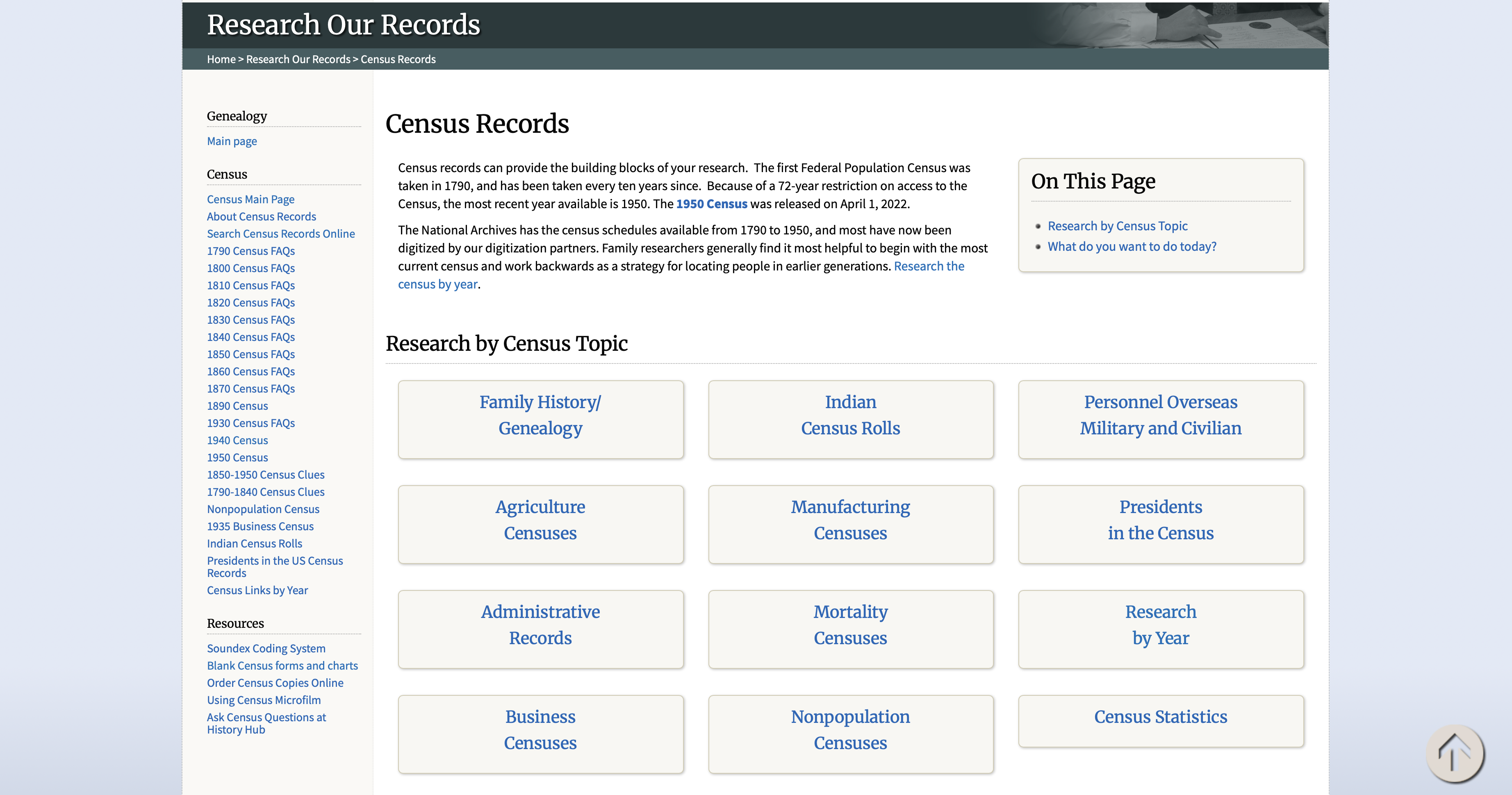
Census Records (Your Most Common Source)
👉 https://www.wikitree.com/g2g/1330660/correct-way-to-cite-us-census-records
👉 https://www.wikitree.com/g2g/741826/how-do-i-add-census-information-to-my-tree
These explain:
- How to cite census records properly
- What details to include
- How to add them to a biography
Linking Records, Profiles, and More
This is the section most people overlook—but it’s incredibly powerful.
1. Linking to Ancestry Records
👉 https://www.wikitree.com/wiki/Help:Links_to_Ancestry
Learn how to link:
- Records
- Images
- Family trees
- Other Ancestry content
2. Adding Links Everywhere Else
👉 https://www.wikitree.com/wiki/Help:Adding_Links
This guide shows how to link:
- Other websites
- WikiTree profiles
- Free-space pages
- Categories
- The Relationship Finder
- Google Maps (great for places!)
- Wikipedia pages
- Links inside comments
- Templates for consistent linking
Why this matters:
Good linking turns a profile into a connected research hub, not just a static page.
Advanced Sourcing & Profile Styling
👉 https://www.wikitree.com/wiki/Space:Proposed_Style_Guide
Use this when you’re ready to level up:
- Advanced citation techniques
- Reusing sources with page numbers
- Structuring full source sections
- Reviewing example profiles
A Simple Workflow for Updating Any Profile
Use this every time you edit:
- Review the profile
- Fix formatting (Editing Tips)
- Organize the biography (Biographies guide)
- Add or clean up sources
- Format citations consistently
- Add links (records, locations, related profiles)
- Include research notes if needed
Final Thoughts
WikiTree is more than a personal tree—it’s a shared, collaborative history.
When you:
- Write clearly
- Structure your profiles properly
- And cite your sources well
…you’re building something others can trust and expand.
Bookmark This Page
You don’t need to remember everything.
👉 You just need one place to find it again.
My Go-To WikiTree Templates (Copy & Paste)
When you’re editing profiles regularly on WikiTree, having a few templates ready can save a lot of time—and keep your profiles consistent.
These are the ones I keep bookmarked and reuse constantly:
Profile Starter Structure
Use this when creating or cleaning up a profile:
{{Profile Sticker}}
== Biography ==
== Sources ==
Common Genealogy Source Templates
These are some of the most useful built-in templates:
Writing
- {{FamilySearch|PersonID}}
- {{FindAGrave|1234567}}
- {{FamilySearch Record|RecordID}}
How to use them:
- Replace
PersonIDwith the actual FamilySearch profile ID - Replace
1234567with the Find a Grave memorial number - Replace
RecordIDwith the specific FamilySearch record
Why Templates Matter
Templates help you:
- Keep formatting consistent across profiles
- Save time (no rewriting the same structure)
- Link records in a clean, standardized way
- Make your work easier for others to understand and build on
Pro Tip
Create a simple note (or bookmark folder) called “WikiTree Templates” and keep:
- Your profile starter
- Your sources section
- Your most-used citation templates
You’ll stop reinventing the wheel every time you edit.